Visual data analysis
Display recorded vehicle and journey data in synchronised graphs and configurable tables.

Evaluation and configuration software

A central software environment for analysing railway recordings, configuring asis® systems and turning complex vehicle data into clear engineering information.
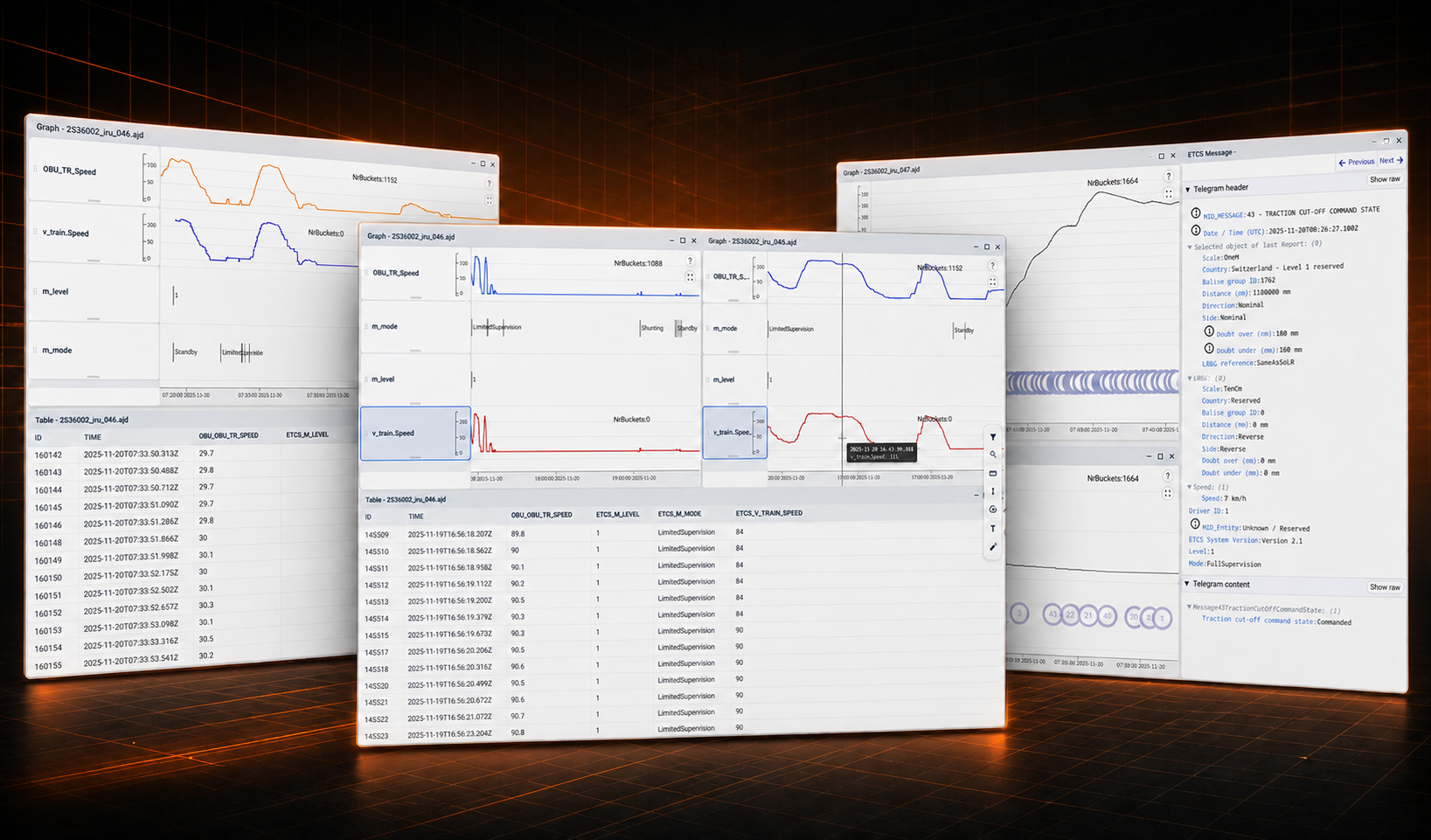
asis®Charts X brings evaluation and configuration together in a consistent tool for railway engineering, commissioning and fleet operation. The software also creates and manages configurations for devices across the asis® product family.
Users can inspect signals on a common timeline, combine graphical and tabular views, search for relevant events and apply project-specific configurations. User roles and reusable project files support controlled, repeatable workflows across vehicles and teams.
Display recorded vehicle and journey data in synchronised graphs and configurable tables.
Navigate complex recordings with search, filters and a structured ETCS data view.
Create and manage reusable configurations for devices across the asis® product family, including vehicle, channel and display settings.
Prepare evaluation reports and export selected data for further processing in CSV or spreadsheet formats.
A clear workflow helps specialists move efficiently from data import to technical evaluation and reporting.
Open recording data from asis®JRU, asis®VS-100 and connected vehicle systems.
Apply the appropriate vehicle project, channel definitions and user-specific views.
Compare signals, locate events and investigate behaviour across a shared timeline.
Export selected data and create repeatable reports for engineering and fleet operation.
Real application views show synchronised signal comparison, tabular evaluation and detailed ETCS message inspection.
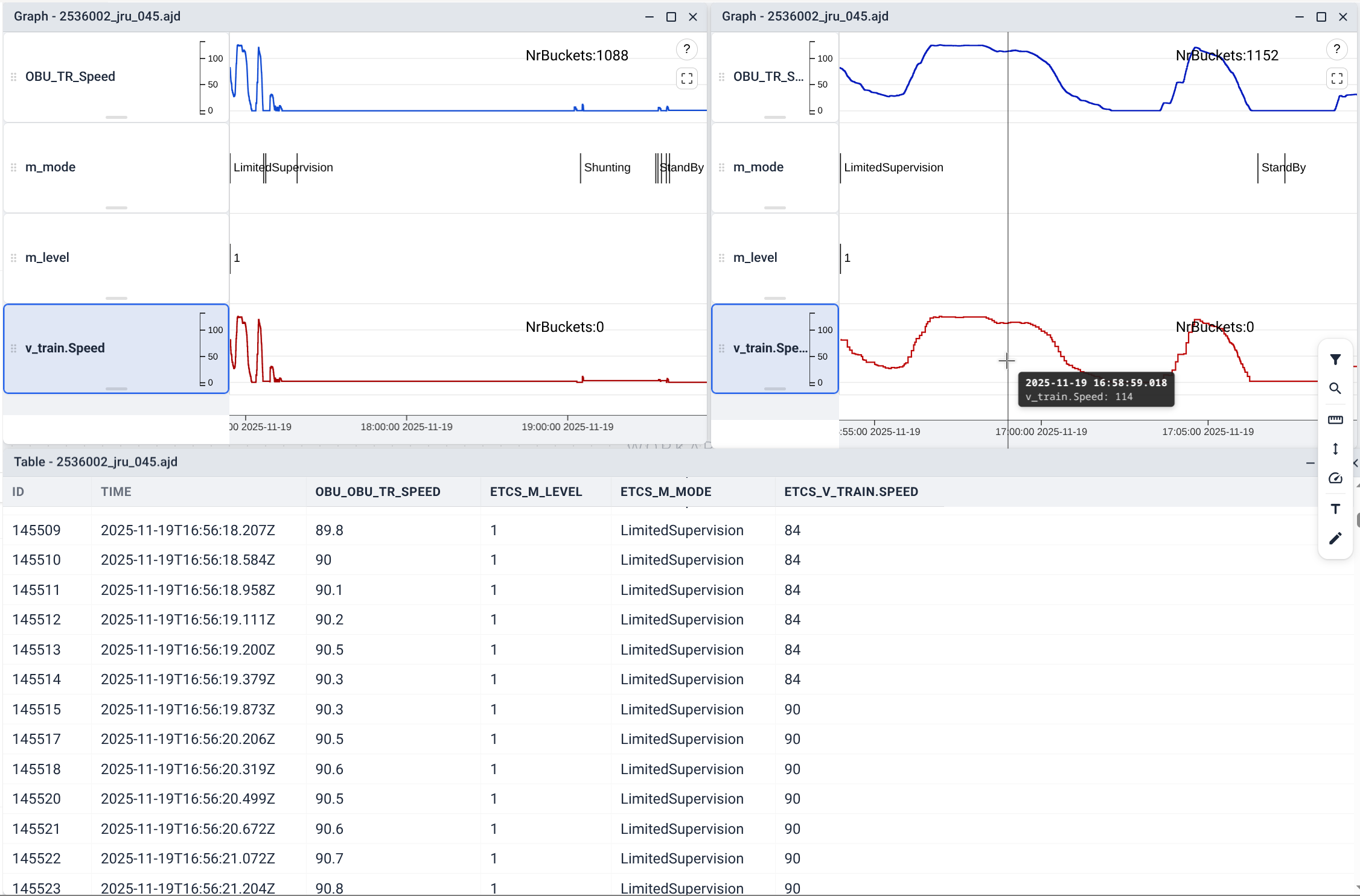
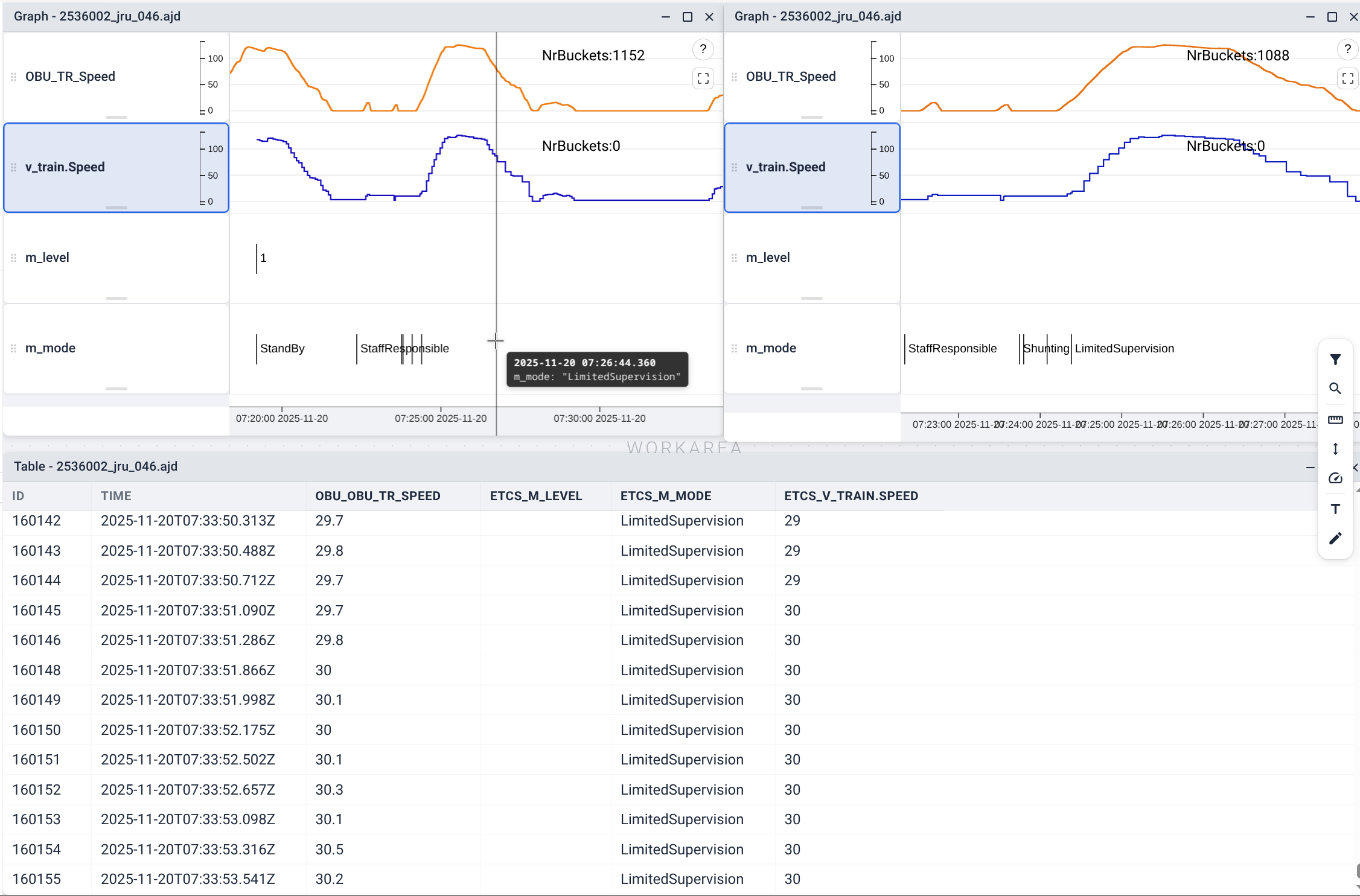
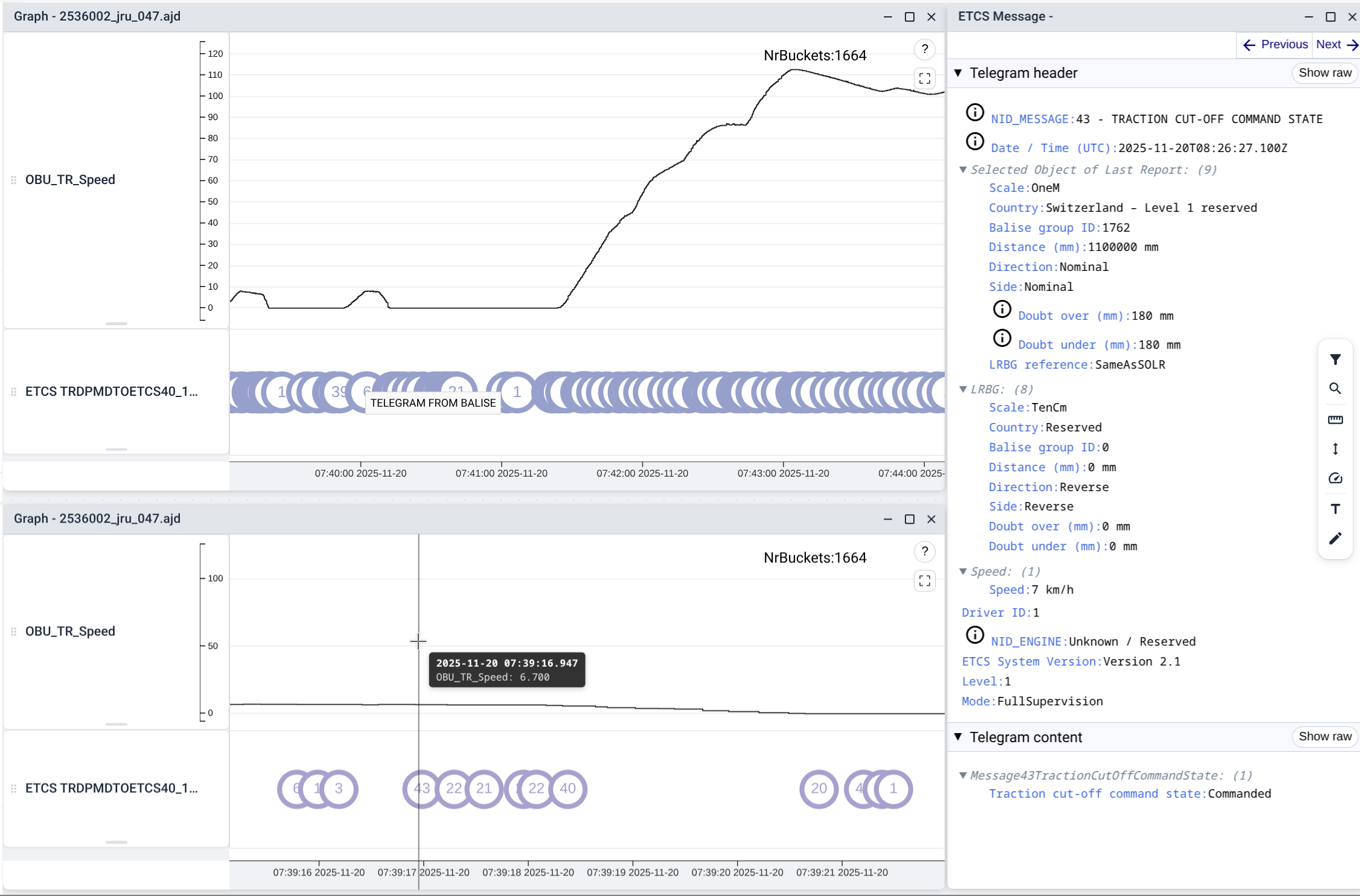
A time-independent view keeps related information aligned even when source recordings contain different time bases or time jumps.
Evaluate recordings and prepare project configurations across the connected product ecosystem.
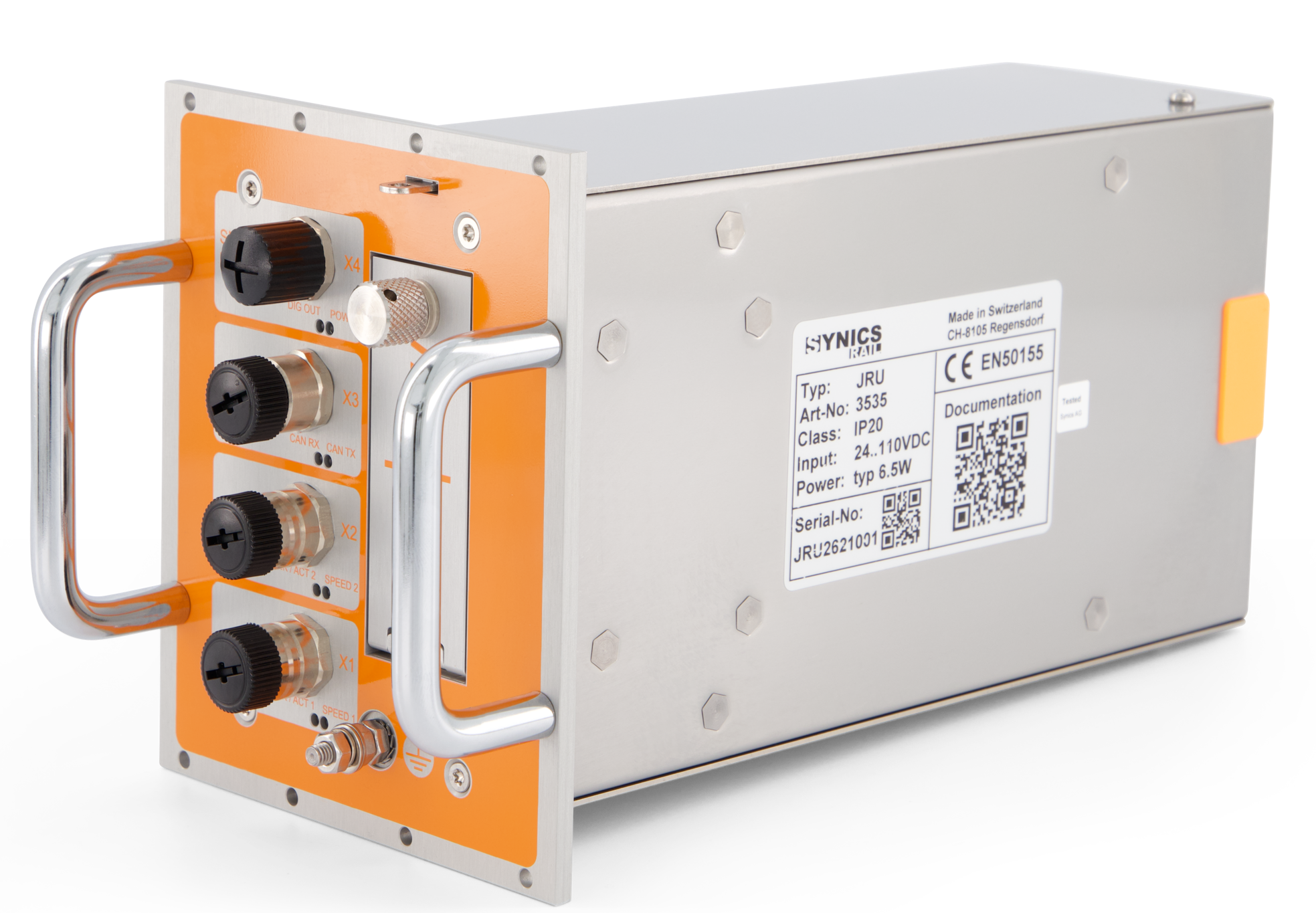
Connected source or configurable system component.
View product →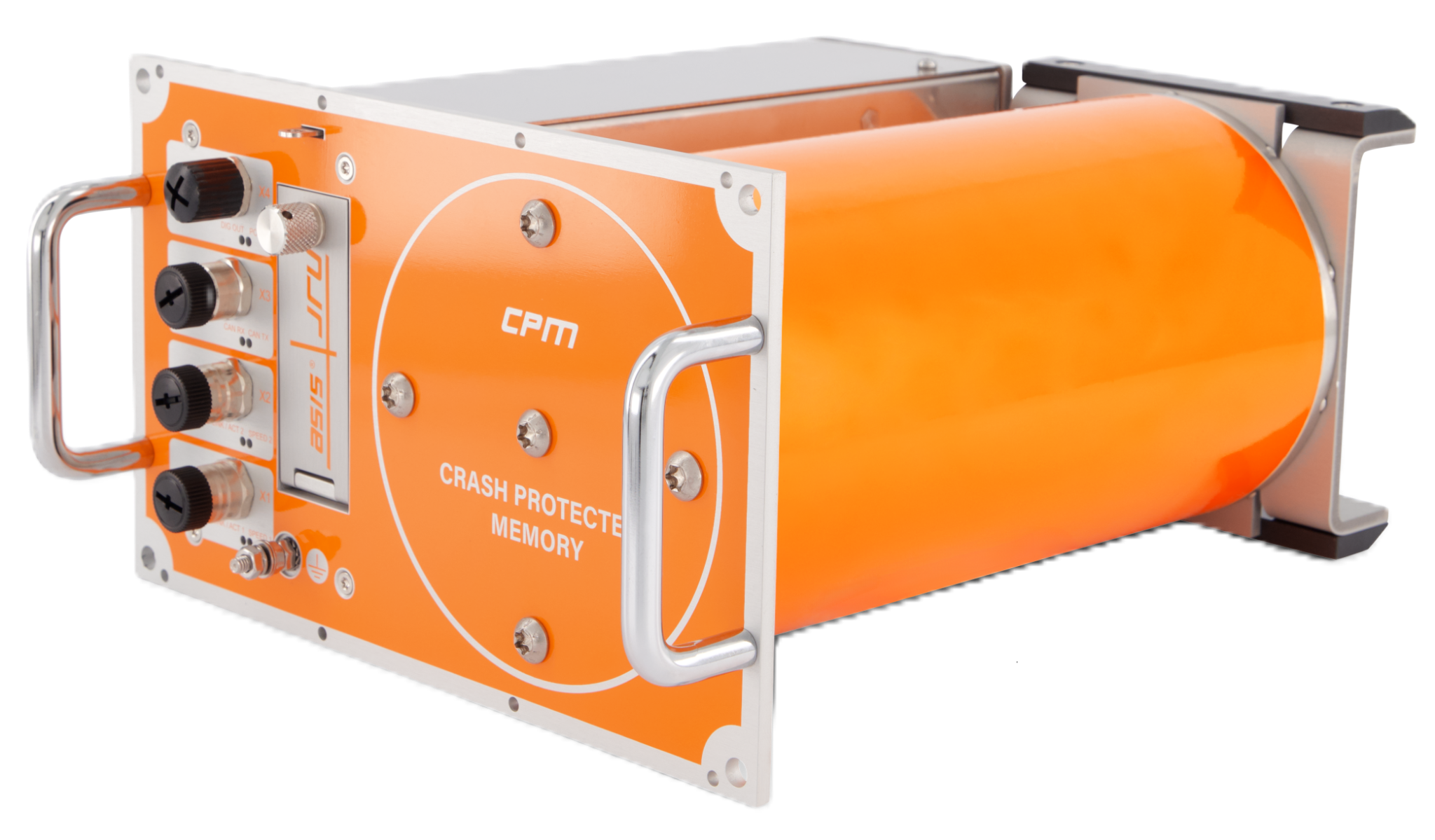
Connected source or configurable system component.
View product →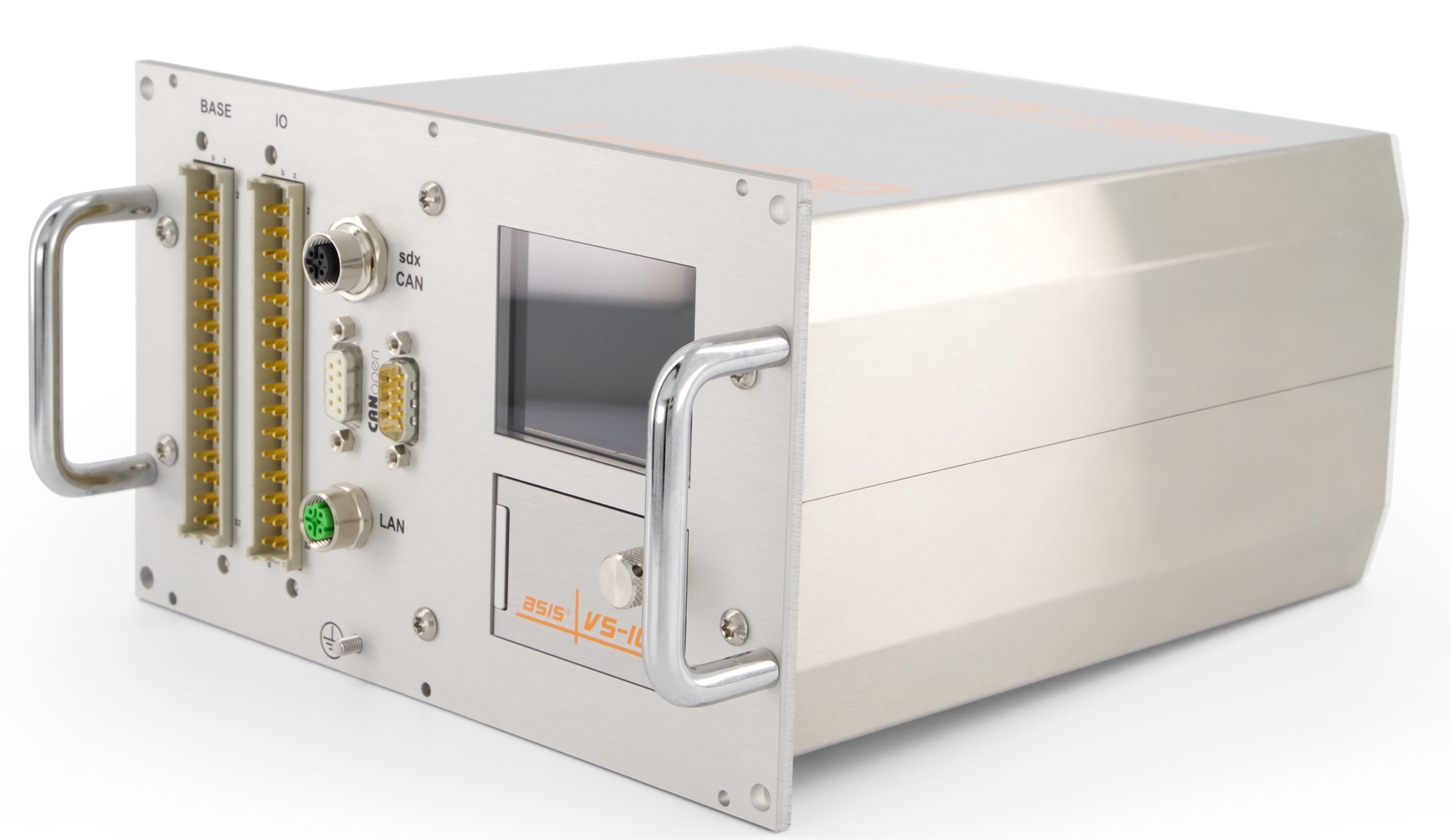
Connected source or configurable system component.
View product →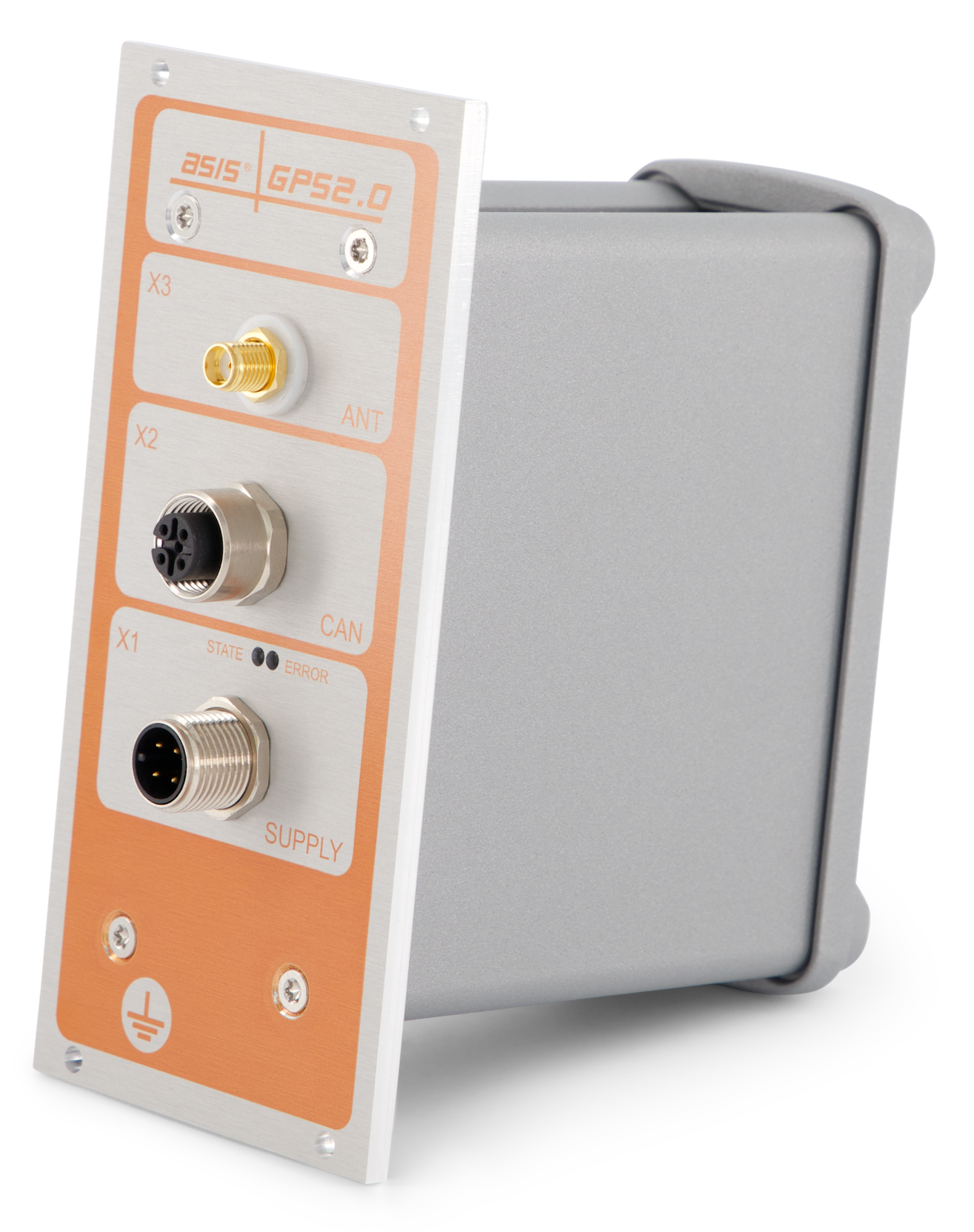
Connected source or configurable system component.
View product →
Connected source or configurable system component.
View product →
Connected source or configurable system component.
View product →Software downloads are released only after customer and purchase verification. The final access-request form is still being defined.
Access requires verification that the requesting company is a known customer and has purchased eligible asis® equipment.
Request access →Your data. Your configuration.